

MCA Track
MCA Track is a third-party loan-servicing integration that lets you send accepted offer details from Lendflow to your MCA Track account.Configure MCA Track
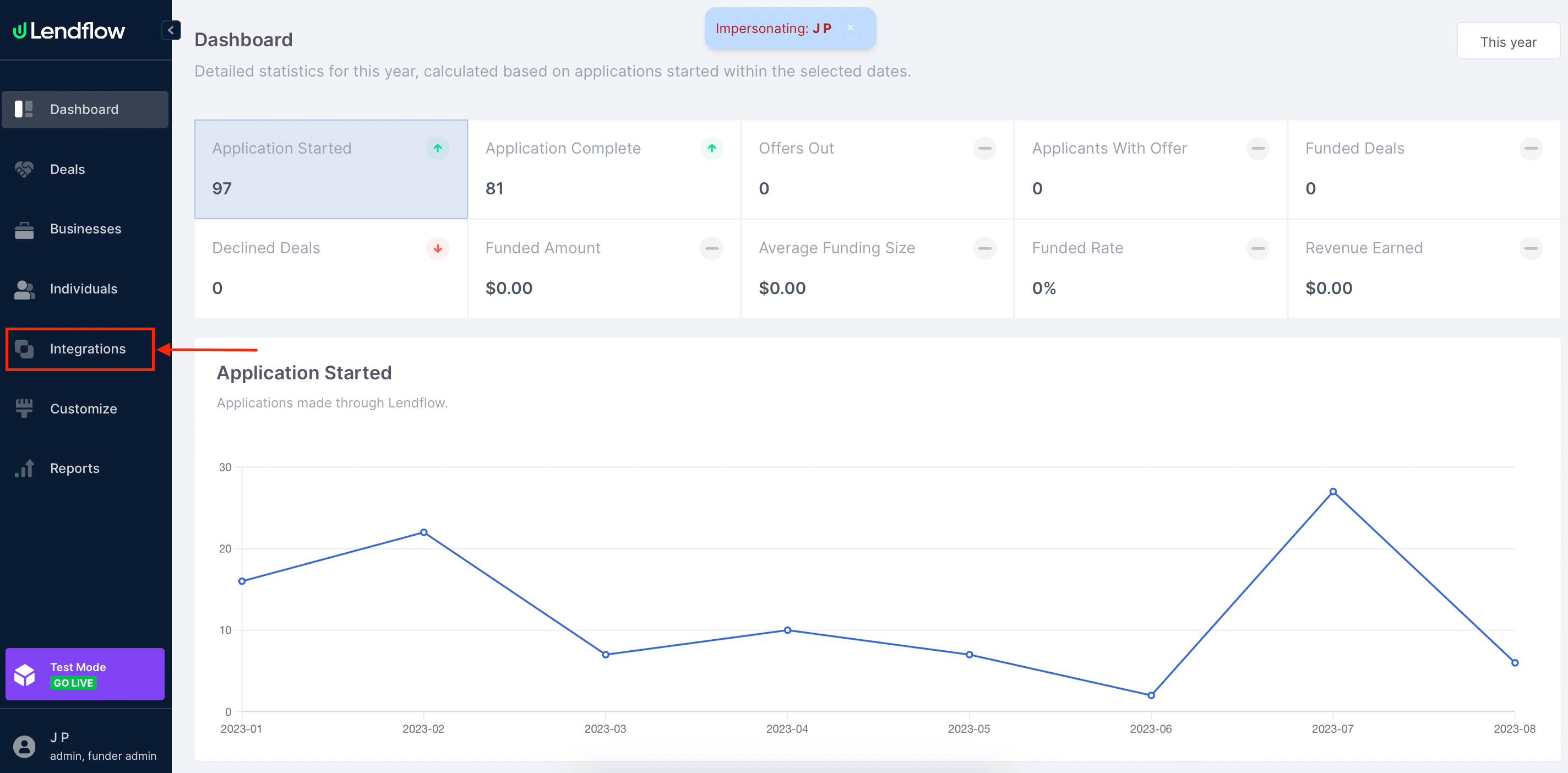
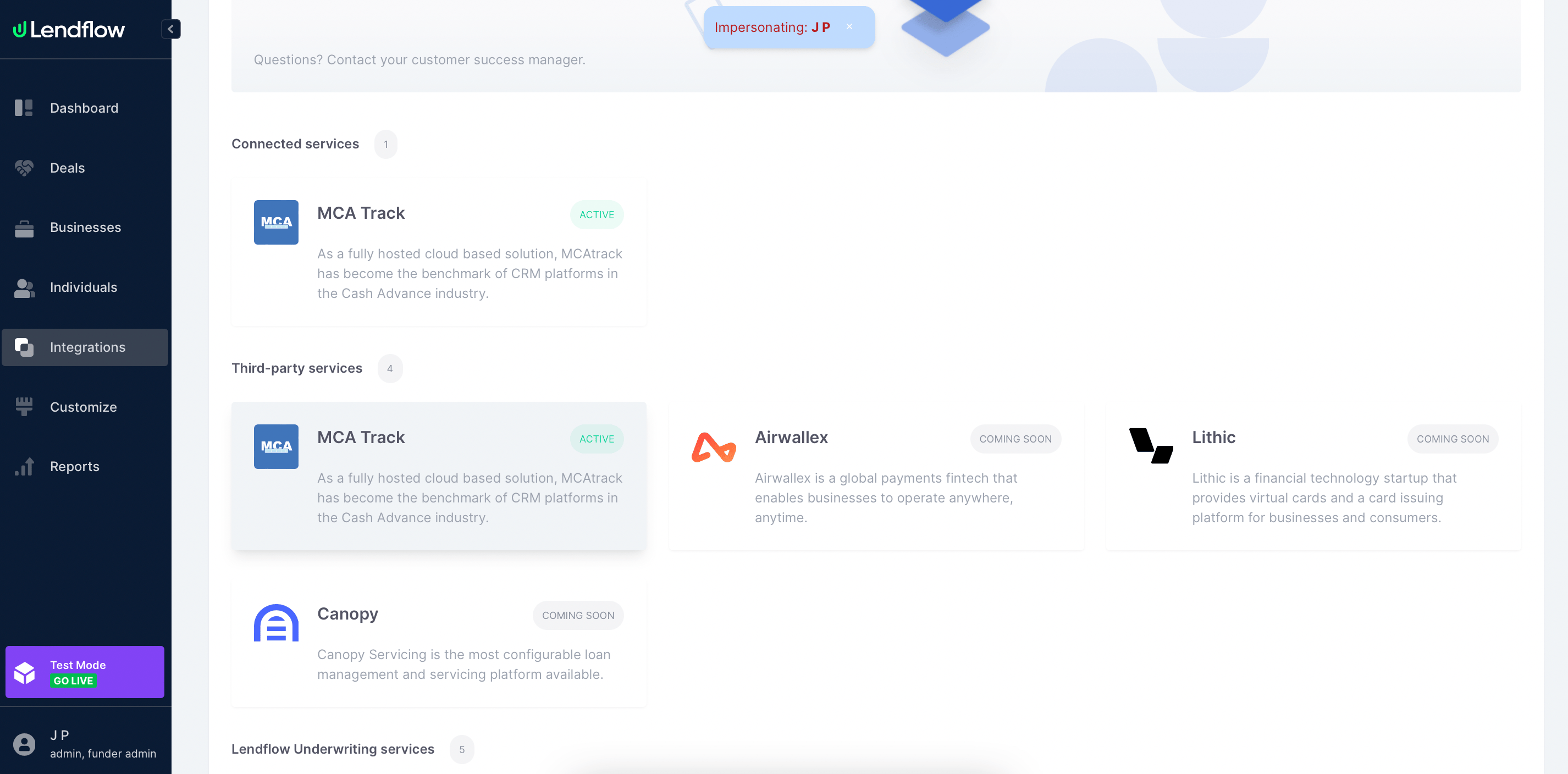
- In the Lendflow Dashboard, open Integrations in the left-side menu.
- Select Lending Service Providers.
- Select MCA Track.
- Enter your Funder Key and Bearer Token.
- Add each ISO ID and ISO Name that your organization uses.
Send offer details to MCA Track
Only accepted Receivables Purchase offers can be sent to MCA Track.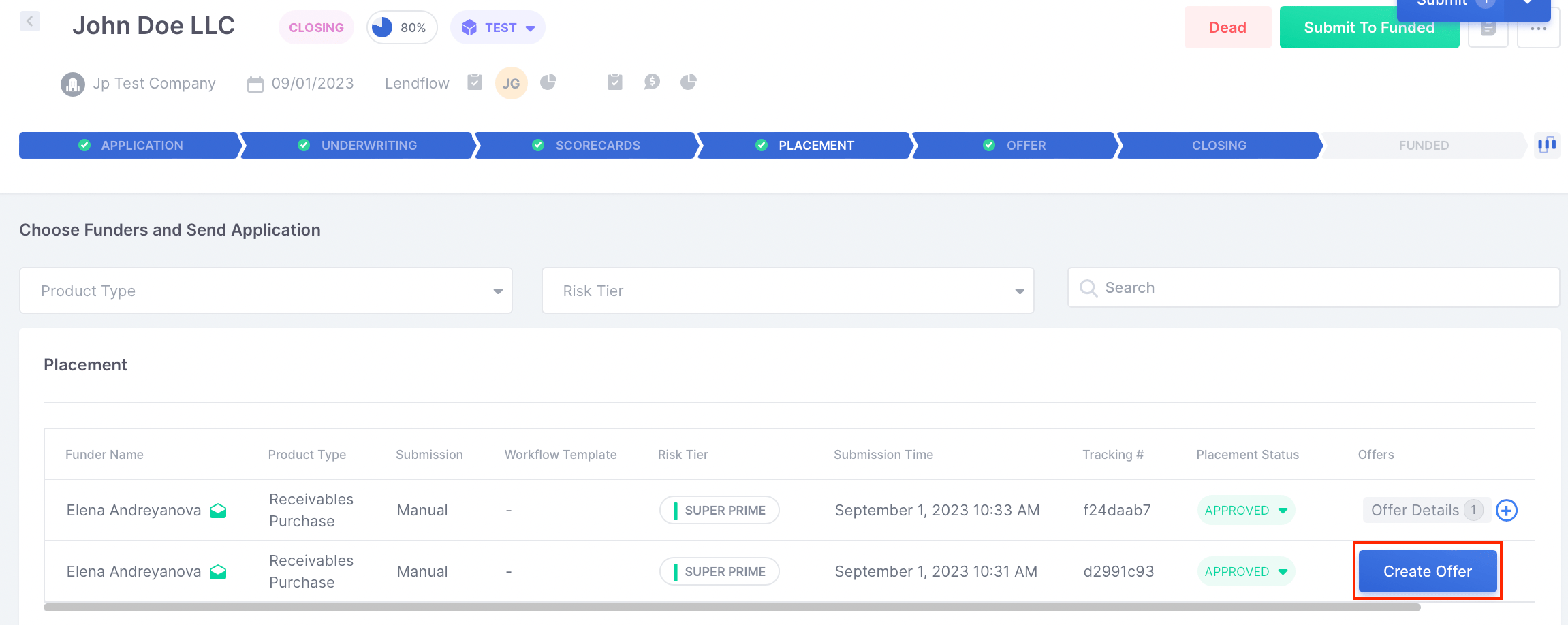
- In the Placement stage, select a funder and create a Receivables Purchase offer.
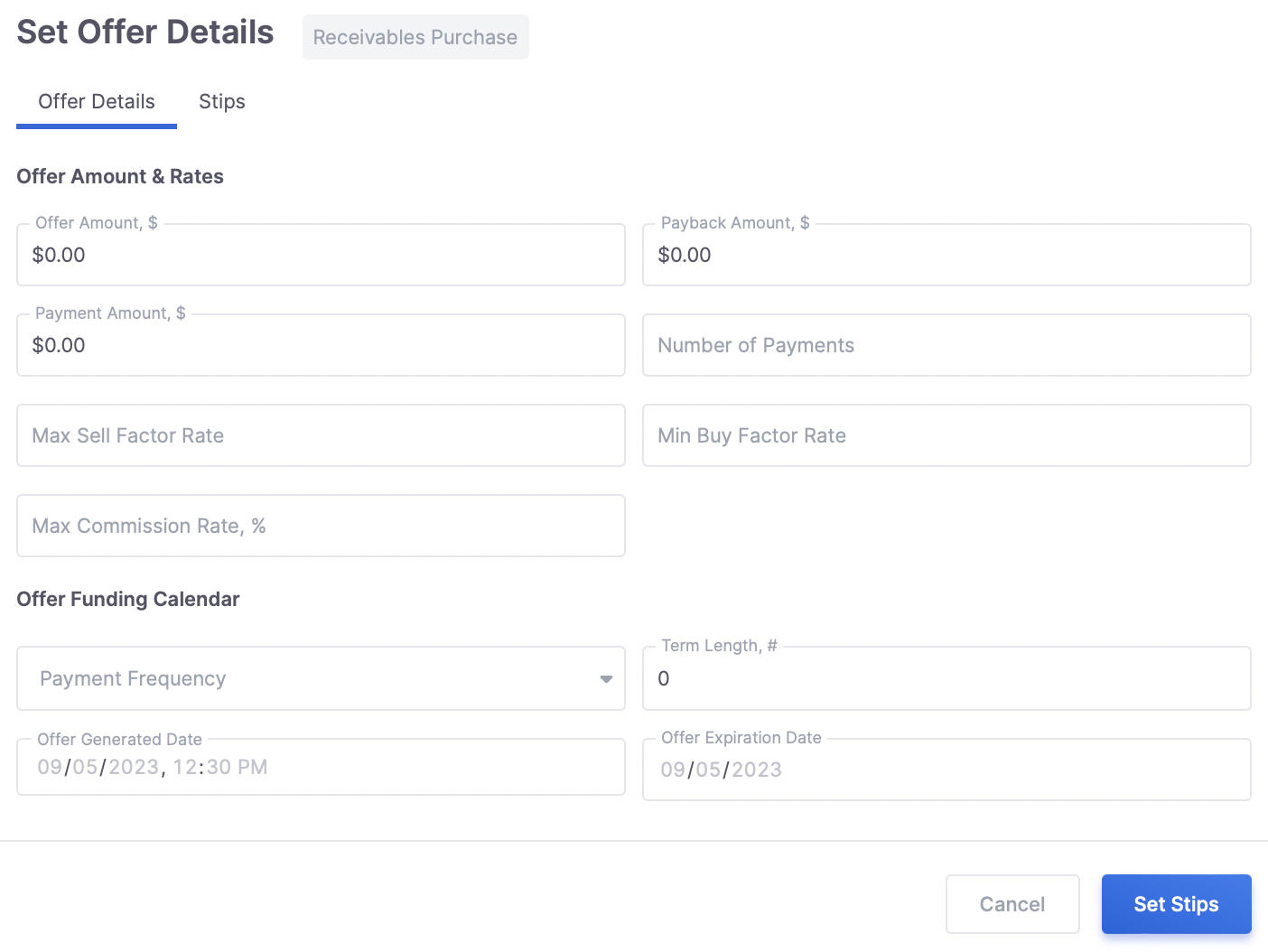
- Enter the offer details and required stipulations.
- Move the deal to the Offer stage and submit the offer to the applicant.
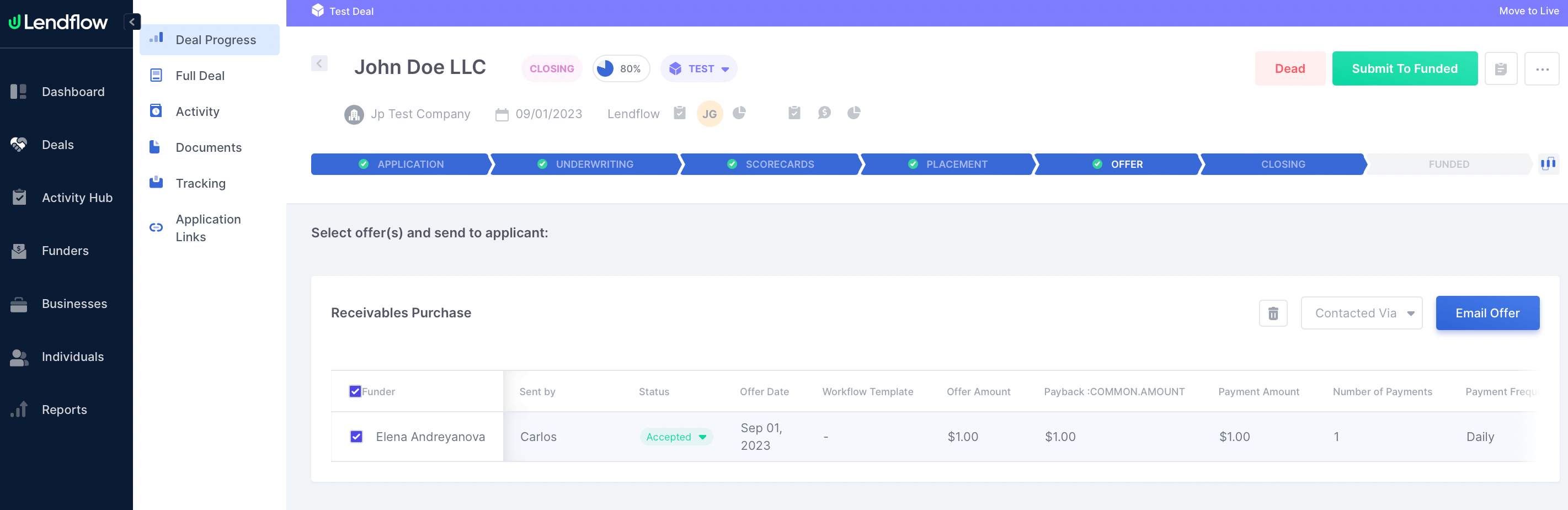
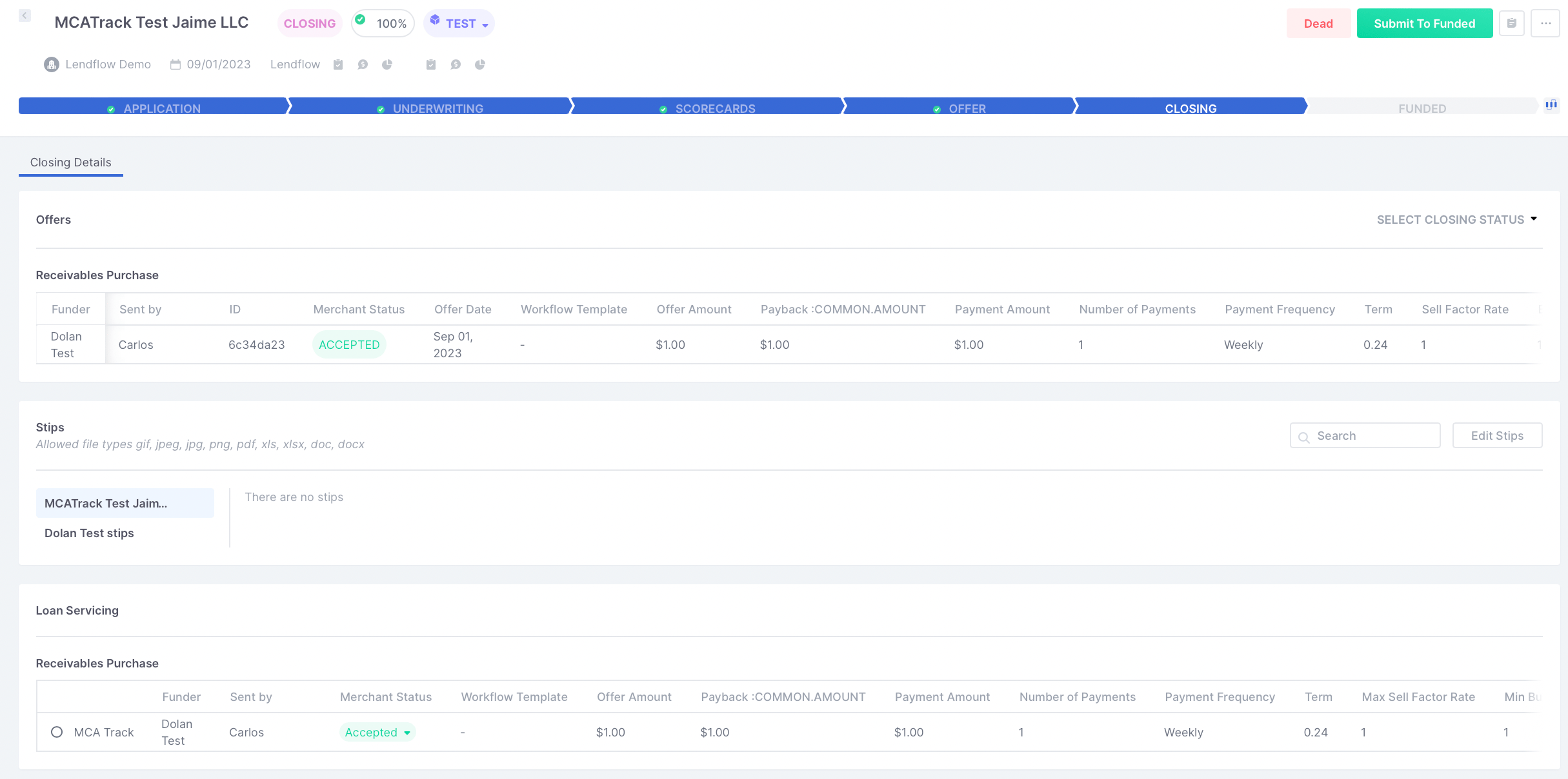
- After the applicant accepts the offer, move the deal to the Closing stage.
- In Loan Servicing, select the accepted offer that you want to send to MCA Track.
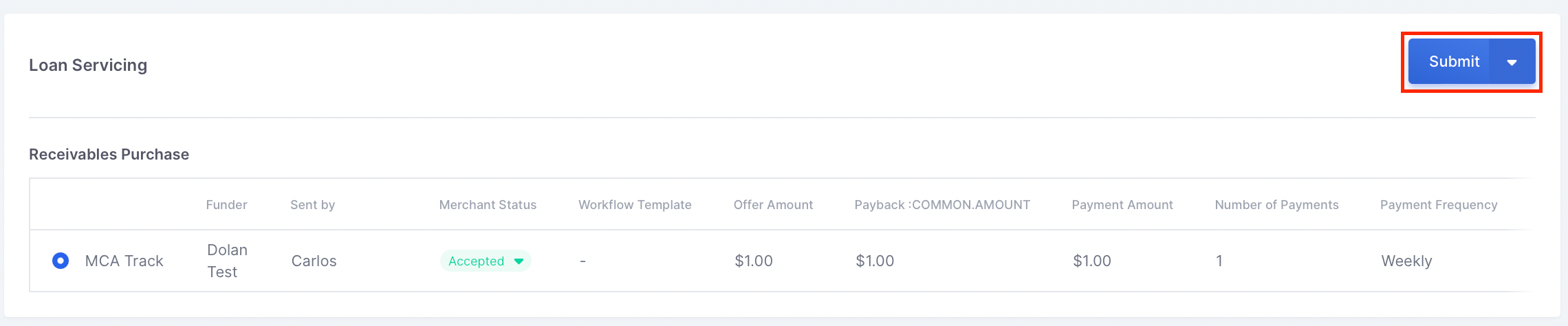
- Select one of the ISOs configured in Integrations, then select Submit.
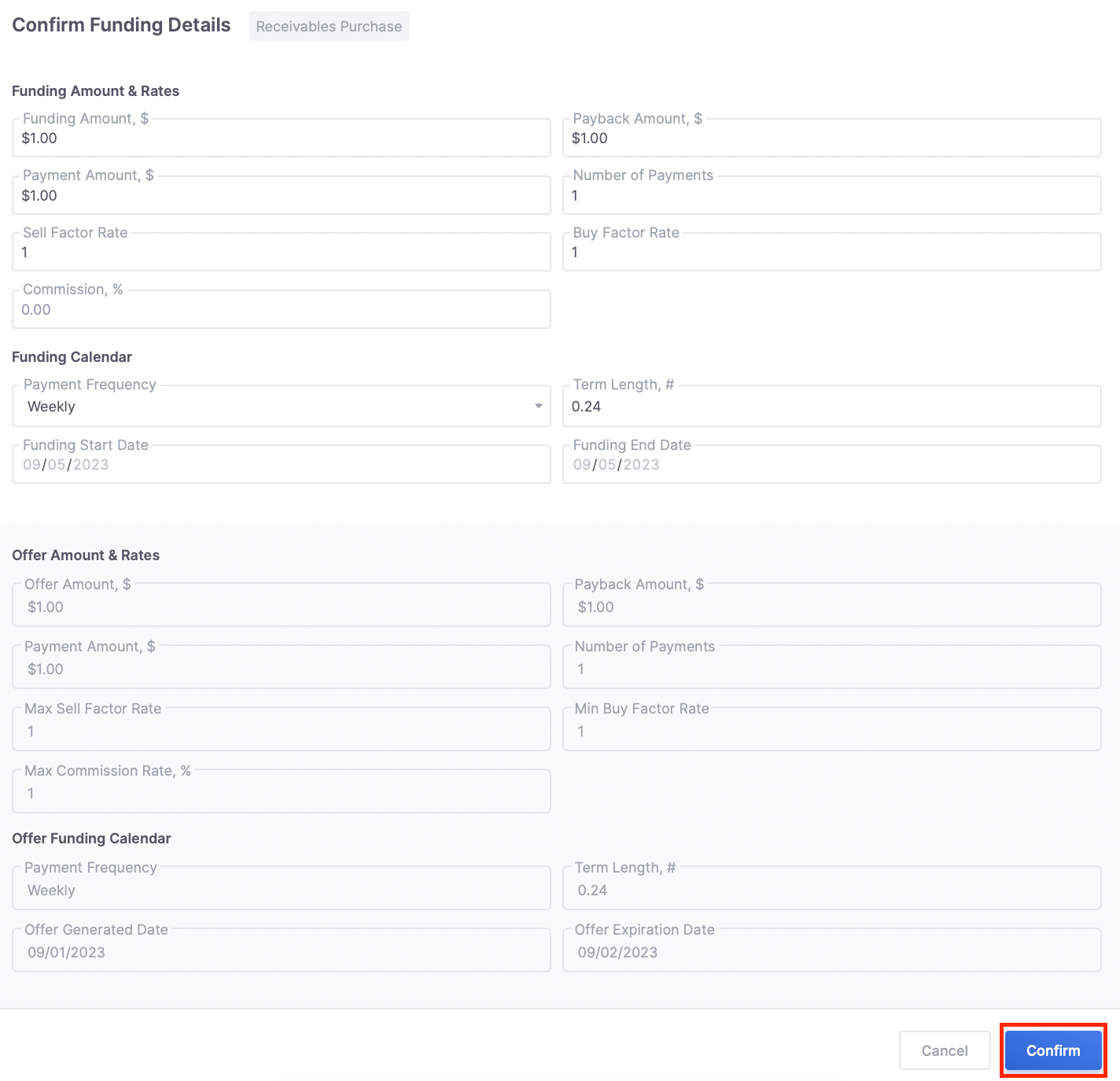
- Review the offer details in the confirmation window, then select Confirm.
FAQ
Where can I configure MCA Track?
Where can I configure MCA Track?
In the Lendflow Dashboard, open Integrations in the left-side menu, select Lending Service Providers, then select MCA Track.
Which credentials does MCA Track require?
Which credentials does MCA Track require?
Enter your Funder Key and Bearer Token, then add the ISO ID and ISO Name for each ISO your organization uses.
Which offers can I send to MCA Track?
Which offers can I send to MCA Track?
MCA Track supports accepted Receivables Purchase offers. They appear in Loan Servicing during the Closing stage.
Why is an ISO not available when I submit an offer?
Why is an ISO not available when I submit an offer?
Confirm that the ISO ID and ISO Name are configured in the MCA Track integration. If MCA Track credentials changed, update them in Lendflow as well.